

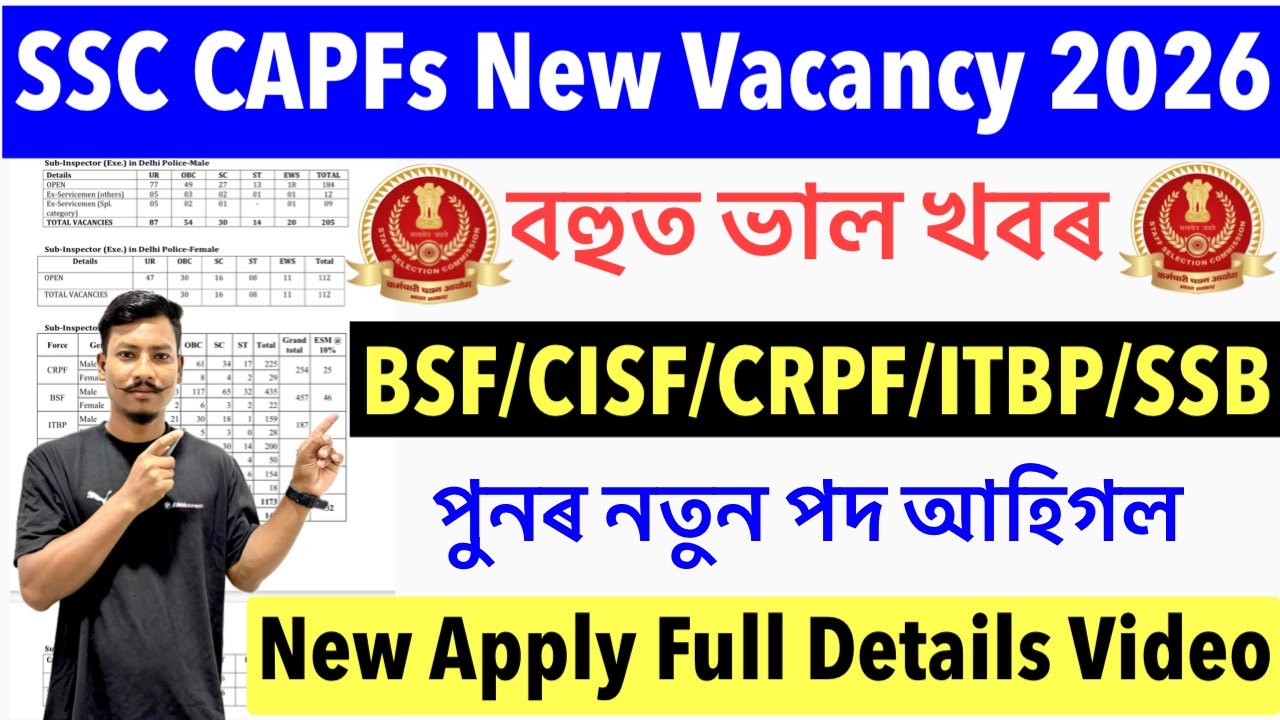
SSC CPO Notification 2026 : The Staff Selection Commission (SSC) has released the latest Notification for the recruitment of Sub-Inspector in Delhi Police and Central Armed Police Forces (CAPF) Vacancy 2026 . So, eligible Candidate Can apply Online here.
SSC CAPFs Recruitment 2026 Deatslis :
| Organization Name | Staff Selection Commission (SSC) |
| Apply Process | Online |
| Apply Last Date | 30.09.2026 |
| Category | SSC CPO Recruitment 2026 |
| Salary | (Rs.35,400-Rs.1,12,400/-) |
| Post Name | CAPFs Delhi Police, CAPFs (BSF, CISF, CRPF, ITBP, SSB) |
| Job Location | All India |
| Official Website | @ssc.gov.in |
Important Dates :
| Event | Date |
| Application Start Date | 10 September 2026 |
| Application Last Date | 30 September 2026 |
| Fee Payment Last Date | 01.10.2026 |
| Edit Correction Date | 08.10.2026 to 10.10.2026 |
| Exam Date | Update Soon |
Application Fees :
- GEN/OBC/EWS : Rs.100/-
- SC/ST : Nil
- Payment Mode : Online
SSC CAPFs Eligibility and Age Limit Or Vacancy Deatslis :
Age Limit :
- Minimum Age : 20 years
- Maximum age : 25 years
Age Relaxation :
- SC/ST : 5 years
- OBC/MOBC : 3 years
| Post Name | Vacancy | Qualification |
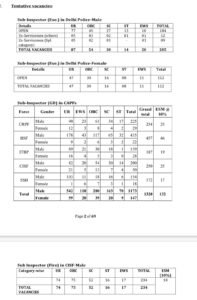
| Sub-Inspector (CAPFs SI GD /Delhi Police ) | 1871 Post | Graduate in Any Stream |
SSC CPO 2026 Selection Process :
The Selection Process for SSC CPO Vacancy 2026 Includes the following Stages:
- CBT Written Exam
- Physical Effciency Test (PET)
- Document Verificaion
- Medical Examination
How to apply CAPFs Recruitment 2026 ?
Interested and Eligible Candidate Can Apply Online for The SSC CPO Recruitment 2026 by Visiting the Official Recruitment portal . They can follow the Steps given below.
Stage -1 : Scroll Down, go to the important web-links Section.
Stage -2 : Click on the ‘Online Application Link’ from link.
Stage -3 : A new Web Page Will Open.
Stage -4 : Enter all your personal and Education qualification detalis as required.
Stage -5 : Upload your Psassport Size Photograph and Signature and Other required Documents.
Stage -6 : Pay the application fee as per your Category and at the end Click on submit button.
Stage -7 : Don’t forget to take the Print of the submitted Application from.
Important Website Link :
| Officail Website Link | Click here |
| Offcial Notification PDF Link | Click here |
| Apply Online Link | Click here |


Leave a Comment